Creator
Vextur
Quiz Question Report

Access Moodle Survey and Quiz Reports in One Click

A convenient way to see how your team is doing and transfer information between systems for performance reviews and audits.
Excel-Ready
Fully Customizable
Detailed Data

Features and benefits

Track performance

Access surveys and quizzes your team and managers complete. In one place, see who took each quiz, the score they got, and detailed analysis for insights.

Take a deeper look

Look past the score and understand the details behind each attempt. Customize reports to fit your evaluation criteria and needs.

Export whenever you need

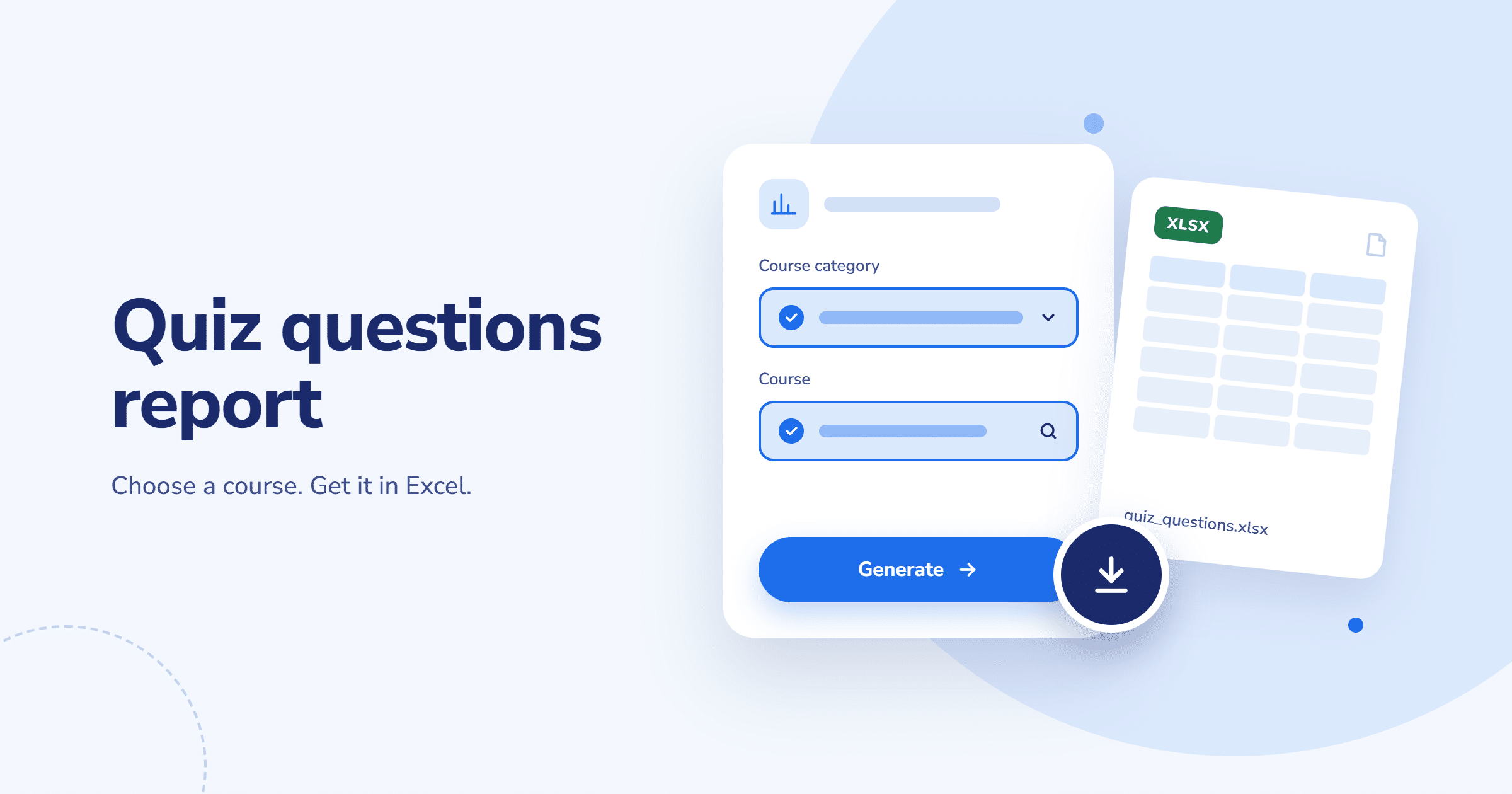
Download reports in Excel format, so you can analyze, share, or archive the data however you like.

Connect

Integrate the plugin with your company’s other systems, so you can use quiz and survey data for internal reporting and audits.
1

Open reports

Go to the Moodle settings bar in the top-right corner. Click the Report section and browse by course category to find relevant quizzes you want to review or download.
2

Review the details

See who completed each quiz, their score, the number of questions, and how long the attempt took.
3

Download in Excel

In the same section, you can export the report as an Excel file and use this data for your internal reporting and audits. This also allows easy integration with other platforms you use in your business, such as a workforce management system.

How the Quiz Question Report plugin works

TESTIMONIALS

What people are saying

FAQs

The report for each quiz includes who completed it, the score they achieved, how many questions it contained, how long it took them, and other details. You can also customize the plugin to see more or fewer details.
Yes, you can download reports in Excel format and integrate them with your company’s other systems so the data fits into your wider reporting.
To find the reports, go to the report section, browse by course category to find the quiz you want, and download the report.

Build Your Perfect Moodle Experience

Extend Moodle with plugins tailored to your organisation’s needs.

Scroll to Top

Don't Miss a Thing!

envelope icon

Get the latest news, updates, and practical insights about Moodle and digital learning – straight to your inbox.