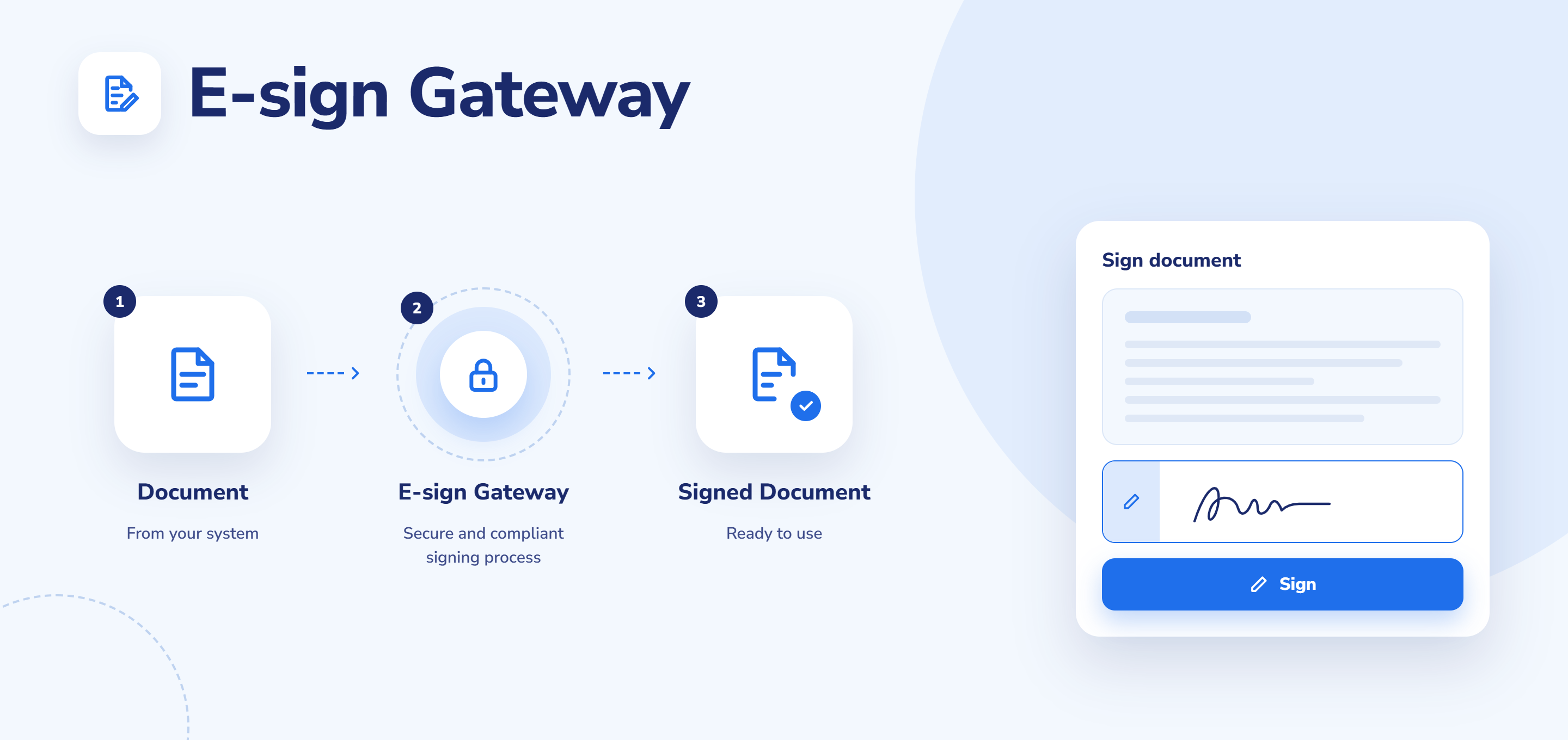
E-Sign Gateway
Bring Convenient E-Signing Into Your Moodle Ecosystem
Be the one in charge of your e-signature providers for Moodle and sign documents, forms, or acknowledgments on the go.
Native Infrastructure
Many Providers
Easy Configuration
Features and benefits
Bring e-signing into the heart of Moodle
Sign documents right where you work, using the e-signature providers you and your learners trust.
Choose your providers
Plug in e-signature providers of your choice, configure them once, and sign documents, agreements, and other materials with one click.
Save your developers’ time
E-signing logic lives in the gateway so you can reuse the same functionality, cutting development time and headaches.
Stay consistent
Whether you need to sign a policy document or acknowledge training, every signature flows through the same trusted, configured gateway.
Skip the reinvention
The plugin follows the same design principles as Moodle’s native gateways, so you don’t need to reinvent the wheel or change your processes with each provider.
1
Install the gateway and your providers
Install the E-Sign Gateway plugin, then add the e-signature providers you want to use. You can install as many as you need.
2
Get your provider credentials
Set up a contract with each e-signature provider to receive the credentials needed to connect it to Moodle.
3
Configure providers in site administration
As a site administrator, open settings in the plugins list, where you’ll see your installed providers. Enter each provider’s credentials and configure it to activate it.
4
Start signing
You, your team, and your learners can sign documents through the configured provider without ever seeing the setup. All the configuration stays on the administrator’s side, so signing is seamless for everyone else.
How the E-Sign Gateway plugin works
TESTIMONIALS
What people are saying
FAQs
The E-Sign Gateway plugin adds e-signature infrastructure to Moodle, letting you connect your preferred providers for convenient in-platform signing.
If your preferred provider isn’t supported yet, we can help you add and configure it.
The system administrator handles the setup, but the Vextur team can help you take care of it.
Build Your Perfect Moodle Experience
Extend Moodle with plugins tailored to your organisation’s needs.